Import.
Bring in a CSV or Excel guest list. Map your columns and labels without rebuilding the list around someone else's spreadsheet.
Features built for stationers
Keep the business behind the paper connected to the paper itself. VowProof brings proposals, contracts, proofs, approvals, guest lists, payments and client communication into one considered workflow.
Built inside a stationery studio. Used by designers, print shops and creative studios doing custom client work.
| The friction | A clearer way with VowProof |
|---|---|
| The frictionFeedback spread across emails and messages. | A clearer wayComments beside the proof they belong to. |
| The frictionTrying to find the latest approved file. | A clearer wayVersion history and a locked approved proof. |
| The frictionGuest corrections in separate spreadsheets. | A clearer wayOne guest list clients can update and confirm. |
| The frictionRepeating the same follow-ups by hand. | A clearer wayProof and payment reminders on your timing. |
| The frictionSwitching between project and payment details. | A clearer wayProposals, invoices and work orders connected to the project. |
Inquire
Capture the inquiry and keep the next conversation organized.
Book
Bring the proposal, contract and deposit into the project.
Design
Keep project answers and proof versions close to the work.
Approve
Collect feedback, confirm details and record the sign-off.
Produce
Move forward with the approved files and connected work order.
A sample journey. Set up the steps that fit your studio.
Custom CSS + client experience / Professional
Bring your studio’s style into every client interaction. Use custom CSS to fine-tune typography, spacing, borders and buttons across supported client pages, from the proposal to the final approval.
The easy in-platform customization builder is another way to personalize proposals, questionnaires, documents and other client-facing elements. Choose your colors, fonts and layout without knowing CSS.
Advanced branding, the welcome page builder and optional custom CSS are Professional features.
Custom CSS / Fine control
.vp-card { border: 1px solid #B79A74; }
.vp-action { background: #373838; }Paper Studio Stationery
Every detail, in one considered place.
Another way / Easy customization builder
No CSS knowledge needed.MADE Mirage
Montserrat
Proofing + approvals
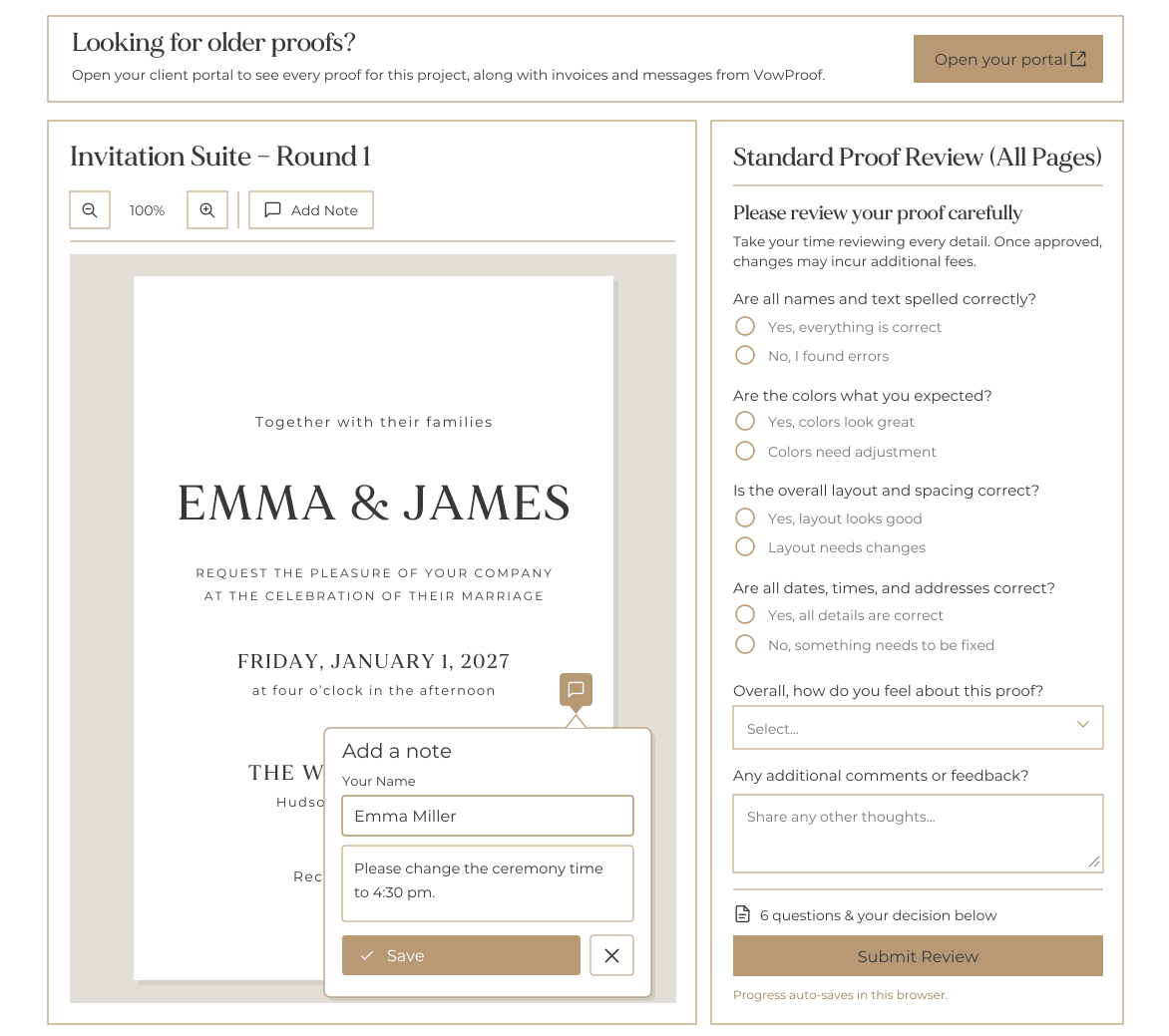
Send the proofs, collect feedback beside the design, and keep revisions connected to the piece they belong to. Your client reviews the checklist and signs the approval.
Guest lists + envelopes
Style and manage envelopes directly within your workflow. Let clients review and correct their own guest details, then export a matching envelope PDF with a single click.
Mr. and Mrs. Christopher and Jennifer Davis
6107 Hill Street
Arlington, Georgia 99613
Mr. and Mrs. Christopher and Jennifer Davis (1 of 100)
100
Total Guests
100
With Addresses
0
Reviewed
Return Address
Return address
Return Address Image (optional)
Upload calligraphy or monogram
PNG, JPG, or WebP (max 2MB)
Name
Envelope Settings
Configure envelope size and formatting
Envelope Size
Envelope color
Text color
Share envelope preview with clients
Off by default. Turn this on to show addressing previews on public proof links and portal pages.
Bring in a CSV or Excel guest list. Map your columns and labels without rebuilding the list around someone else's spreadsheet.
Share supported front and back envelope previews in the portal. Clients correct their addresses and confirm the details.
Set name and address typography separately, add return-address artwork and download a print-ready PDF.
Client experience + portal
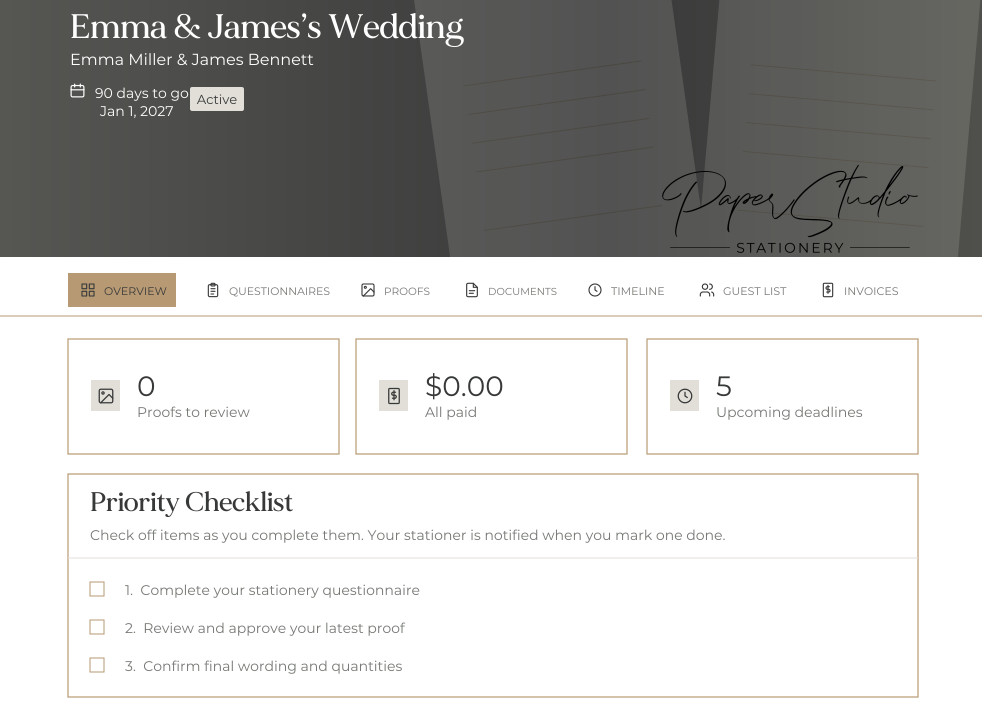
From the first questionnaire to the final invoice, clients can find their project, respond to proofs, update the guest list, and see what is due next.
Your own portal domain and advanced branding are available on Professional.
Collaborator portal
Give a planner, parent or alternate contact a separate project login. Start with view-only access, or enable proof decisions and questionnaire submissions on the client's behalf.
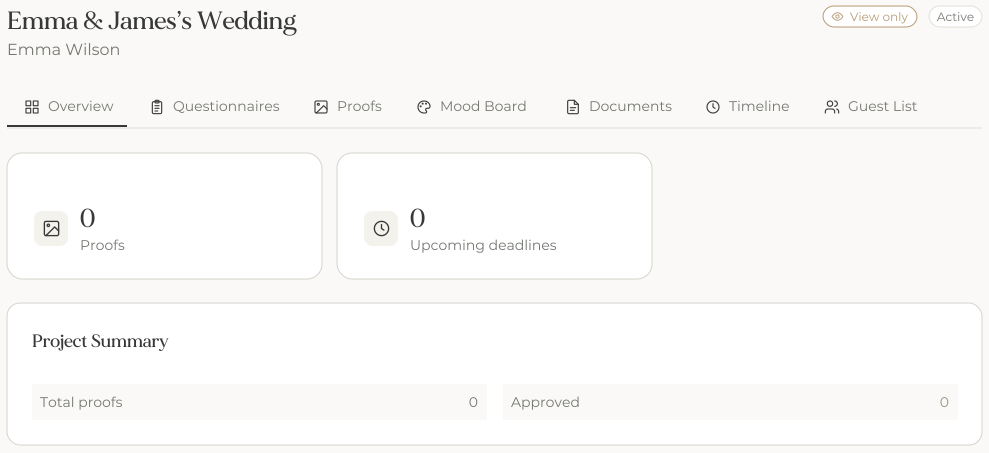
Shared mood boards are a Professional feature.
Timelines + task lists / Professional
Use configured templates to calculate design, approval and mailing deadlines. Keep studio responsibilities separate from client tasks, with invitations, save-the-dates and day-of work moving in their own work orders.
Design
Studio task
Start the invitations, menus and place cards from your configured schedule.
Approve
Client task
Make the proof approval deadline clear to Northwind Co.
Milestone
Keep the invitation mailing date in view.
Celebrate
Event date
Connect the plan to the launch on April 24.
An illustrative timeline for Northwind Co.’s spring launch event: invitations, menus and place cards. Event dates, product categories, print methods and rush thresholds shape the plan you configure.
Products, suite templates + mood boards
Reuse the products, quantities and creative direction that shape your stationery projects.
| Product | Size | Print Method | Paper | Base Price | Status | |
|---|---|---|---|---|---|---|
4x6 Insert Card 4x6 Insert card with digital printing Flat CardsDefault Pricing | 4x6 (4 × 6) | Digital | 110lb Cotton | $2.00/ea | Active | |
5x7 Flat Invitation 5x7 Main invitation card with digital printing Flat CardsDefault Pricing | 5x7 (5 × 7) | Digital | 110lb Cotton | $5.00/ea | Active | |
Belly Band 2x11 Printed Belly Band AccessoriesDefault Pricing | 2 inch Belly Band (11 × 2) | Digital | Blush | $1.00/ea | Active | |
Outer Envelope Outer Envelope – Euro Flap View: Closed Envelope EnvelopesDefault Pricing | A7 (5.25 × 7.25) | Digital | Blush | $2.00/ea | Active |
Suite templates
Group products, quantities and prices into a template for your proposals and work orders. Keep the pieces you sell ready for the next project.
Product timeline categories require Professional timeline tools.
Signature Suite
Our most popular package
1× 5x7 Flat Invitation (per piece)
$500.00
1× 4x6 Insert Card (per piece)
$200.00
1× Outer Envelope (per piece)
$200.00
1× Belly Band (per piece)
$100.00
Suite Total (@ 100 qty)
$1,000.00
Mood boards / Professional
Bring images, colors, fonts and links into the project. Start from a reusable board and collect client comments.
Suite concept
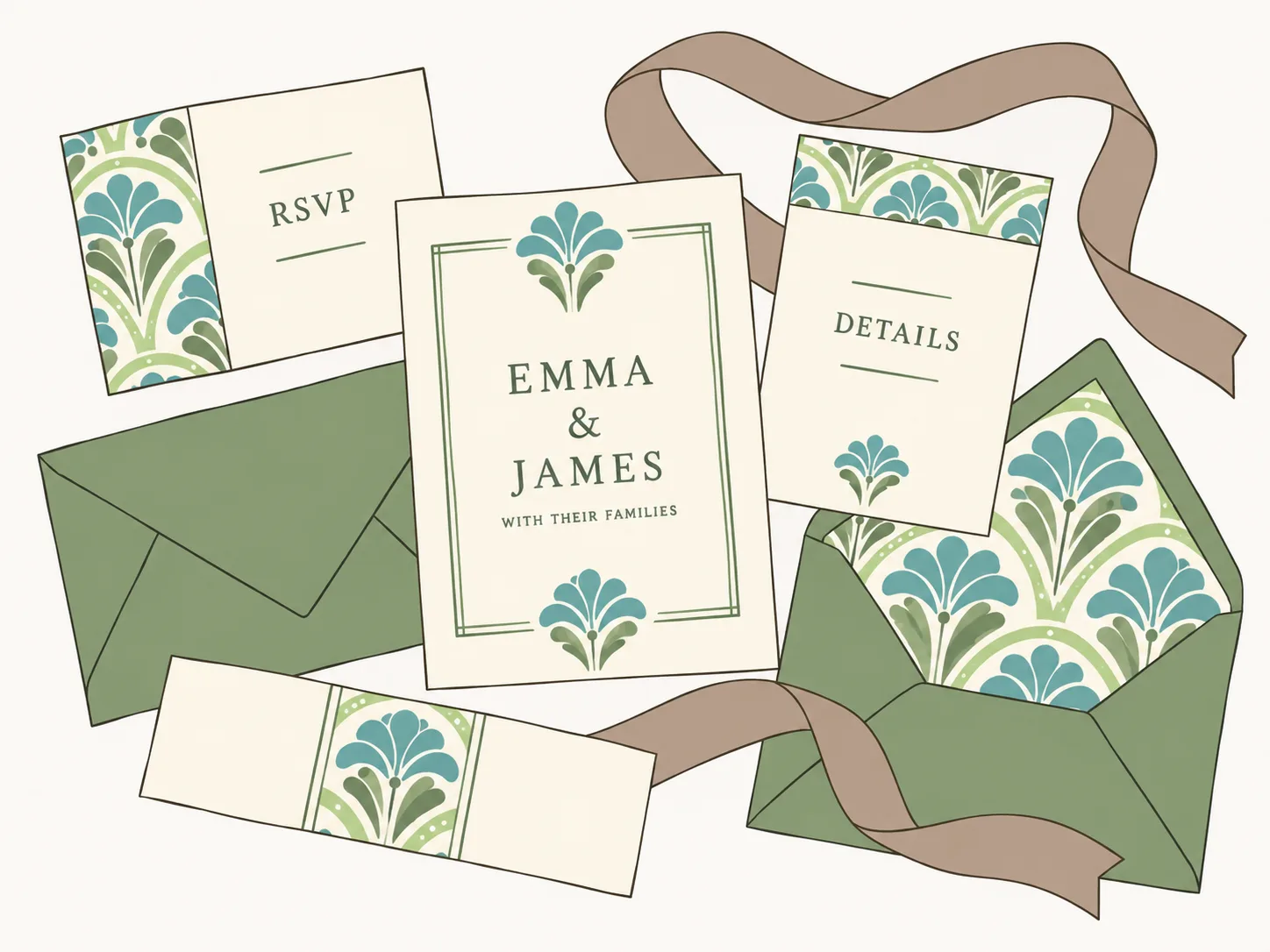
Invitation inspiration

Paper
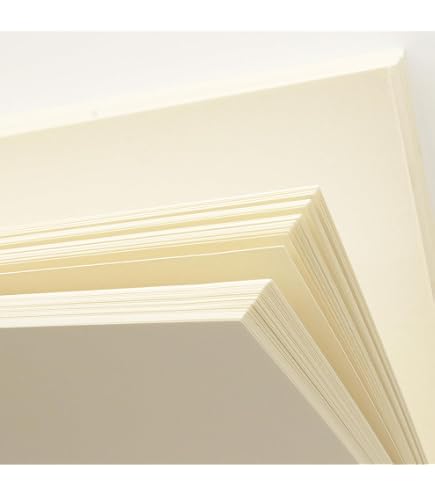
Ribbon

Keep the creative direction close to the project.
Color palette
Color Palette
React to each element below - all items require your feedback
Typography
EMMA & JAMES
with their families
Room for client feedback
Additional comments for this section (optional)
Collaborators can view shared mood boards without editing them.
The everyday CRM tools
Manage the booking, communication and money in the same system as the design work.
Capture inquiries, organize pipelines and keep clients, vendors and contacts searchable.
Explore leads and projectsPresent packages and options, collect signatures and keep signed agreements with the job.
Explore proposals and pricingSchedule deposits and balances, record offline payments, and send receipts and reminders.
Explore payments and reportingReuse messages, see email activity and share consultation booking links. Connected inbox: both plans.
Explore email and inbox toolsCollect answers with branching questions, use templates and trigger repeatable studio steps. Unlimited custom workflows: Professional.
Explore workflow automationTrack job costs, profit, tax and outstanding balances. Connect supported studio services.
Explore connected servicesStripe processing fees apply.
AI workflow builder / Professional
Tell VowProof what should happen and when. The AI assistant creates a draft you can refine, review and save. You stay in control of when it runs.
Available on Professional. The assistant only drafts; saved workflows stay switched off until you turn them on.
Draft a workflow
Describe what should happen and when. Nothing is saved until you choose to save it.
What should this workflow do?
VowProof doesn't keep a copy of your assistant conversations. If you ask for something the assistant can't build yet, that request is passed to the VowProof team. Your workflow content is never shared with other studios. The assistant only ever writes a draft — it never sends anything, and every workflow it saves stays switched off until you turn it on.
Welcome a booked couple
2 steps2 steps need your input. You can save now and finish them in the builder.
Send email
Needs your pickWhen: Proposal accepted (signed) · immediately
Send a warm welcome and explain what happens next.
Choose your welcome email template.
Create task
Needs your pickWhen: Proposal accepted (signed) · 2 days after
Review the couple’s stationery details before starting design.
Add the task title in the workflow builder.
Complete feature index
Explore each category for the full list. Professional upgrades and add-ons are labeled in the detail.
Before you start
Bring it together
See how proposals, proofs, approvals and guest lists fit together. Give your studio and your clients one clear way forward.
Card needed to start, nothing charged for 30 days. Cancel anytime from your account settings.
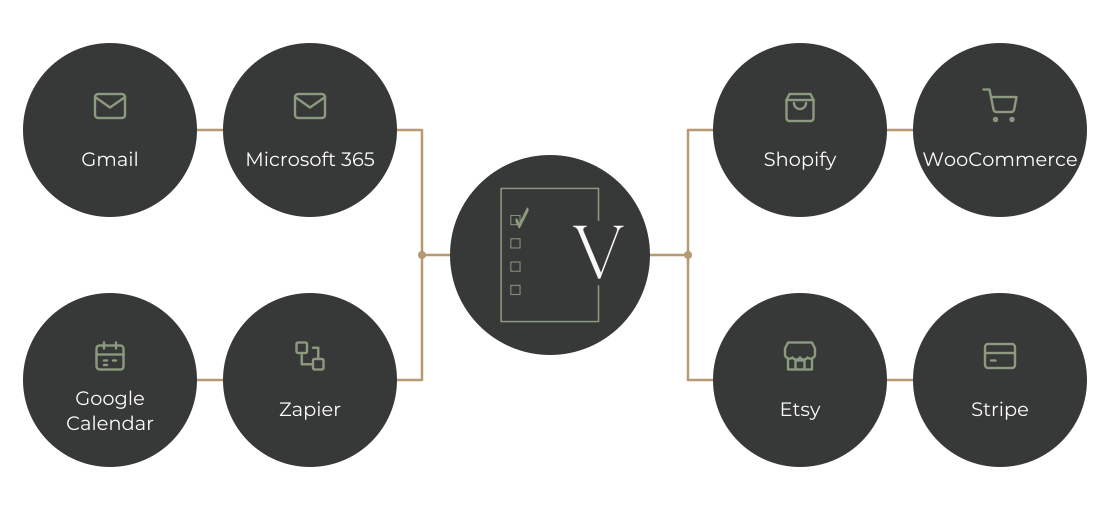
Any thoughts or preferences about these elements...